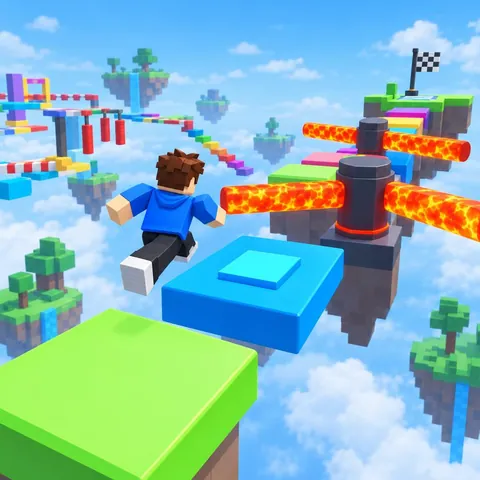




Obby
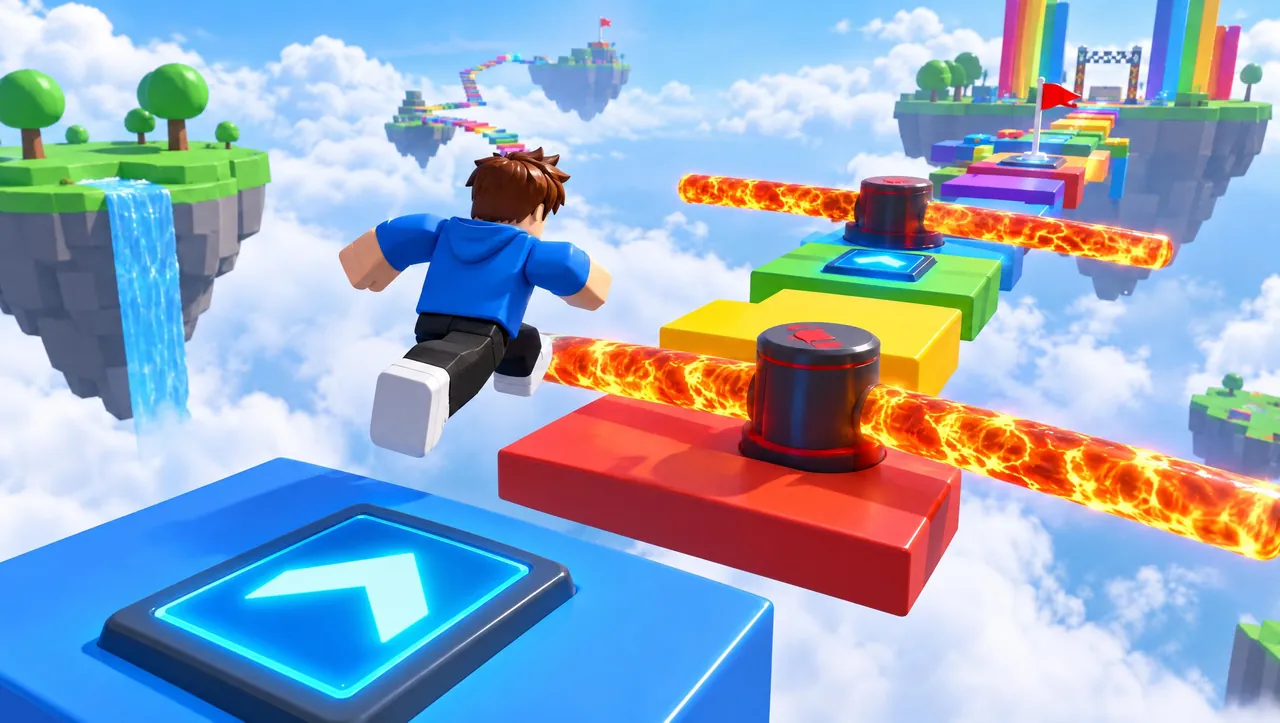
“Make a 10 stage obby with checkpoints, kill bricks and a timer.”
Describe your game in any language. The AI builds it in Roblox Studio, and you press Play.
Free plugin · free starter credits · no card needed
Wildwood started as a single tree on a baseplate. Eight prompts later it is a chopping game with loot, tools, a living forest and a menu.
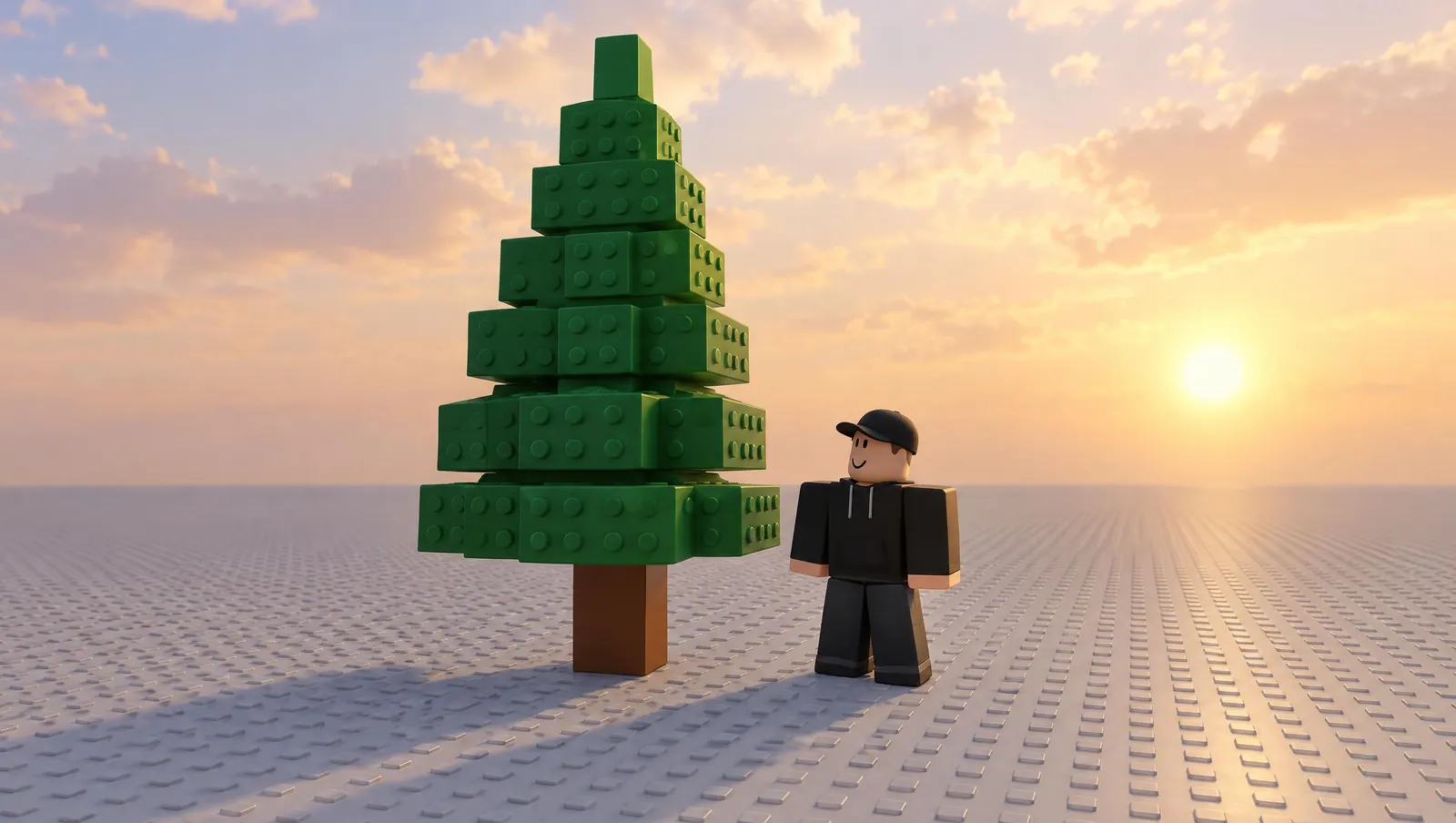
Add a stud texture to the tree.
“Make a 10 stage obby with checkpoints, kill bricks and a timer.”
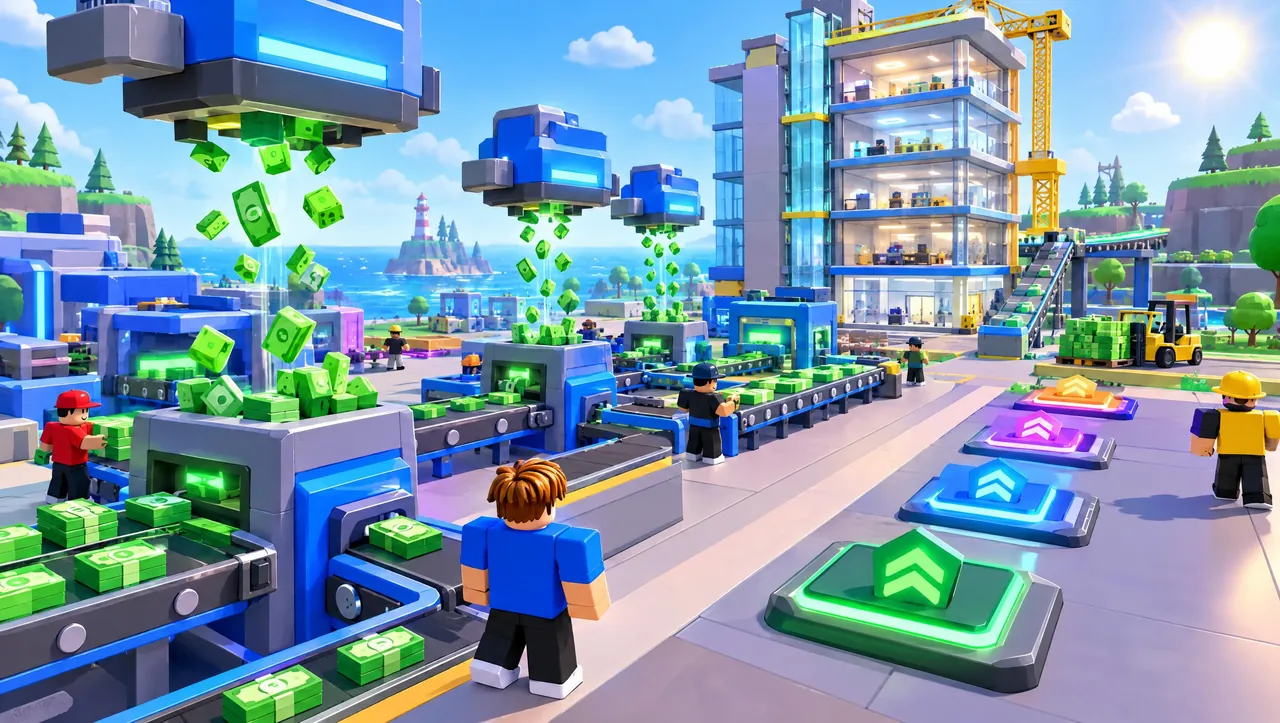
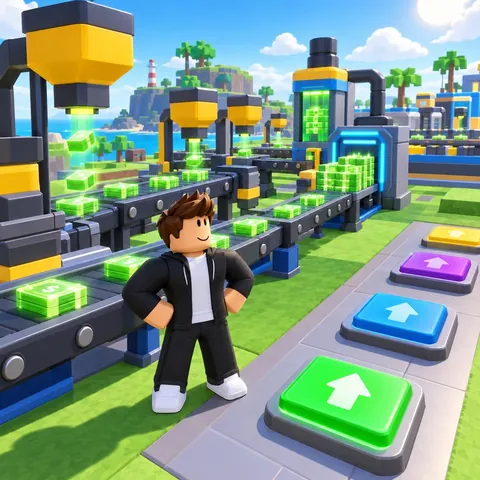
“Make a factory tycoon with droppers, a conveyor and upgrade buttons.”
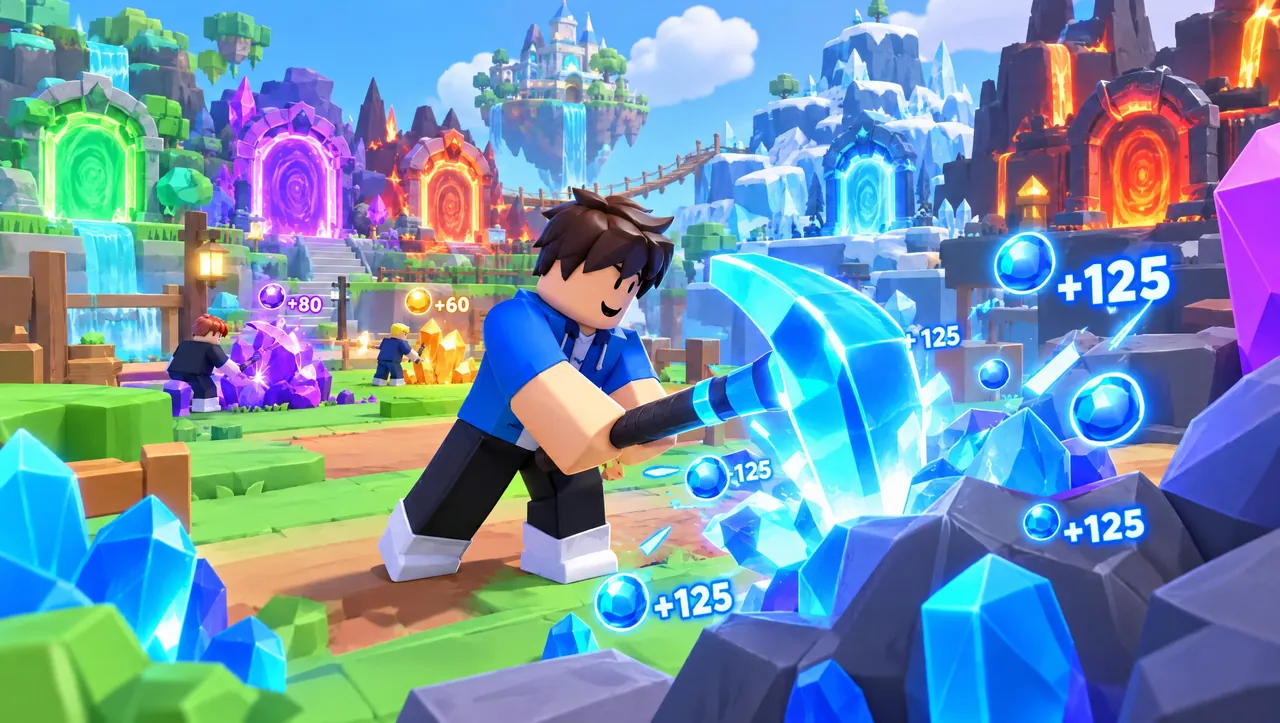
“Make a mining simulator: click crystals to earn gems and buy bigger tools.”
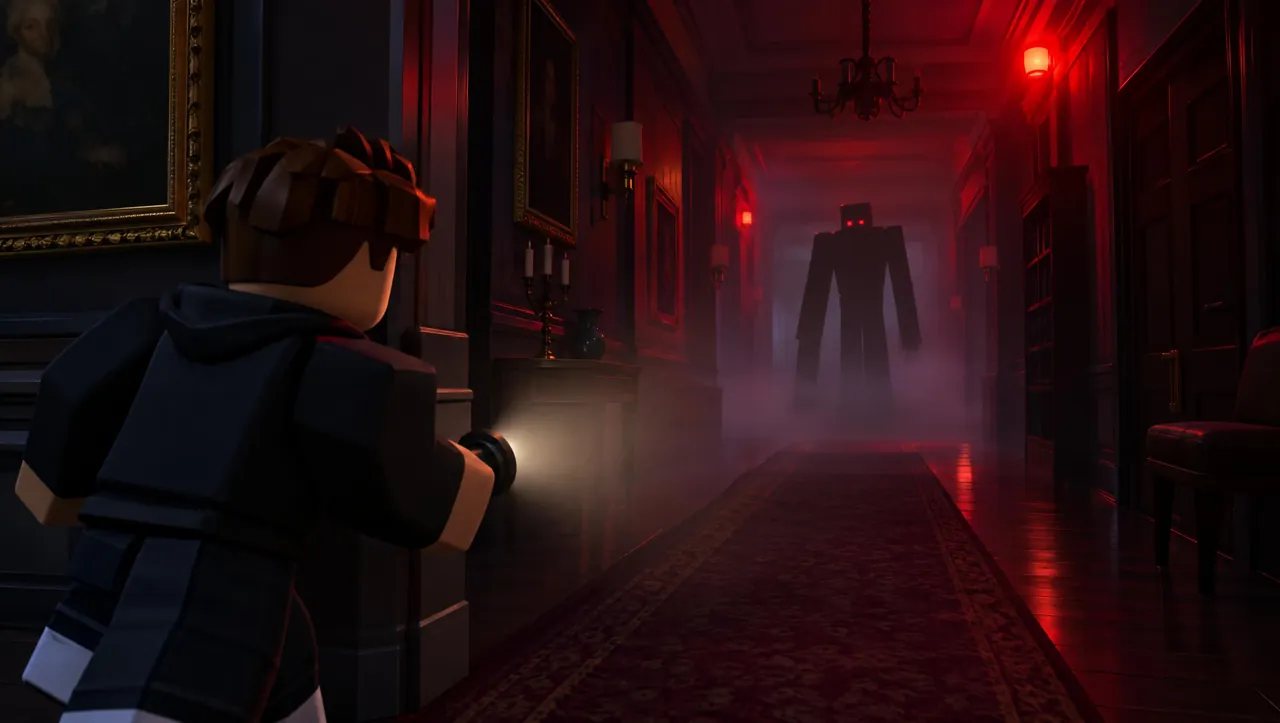
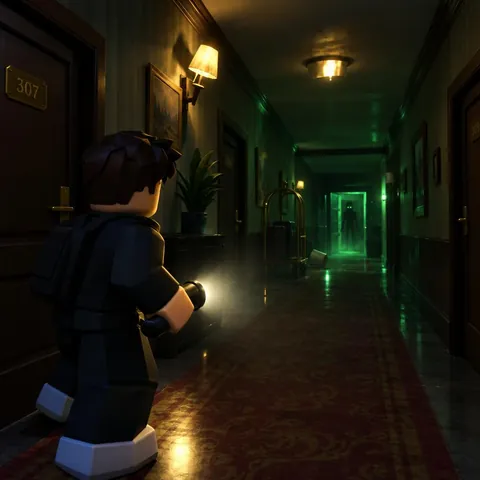
“Make a dark hallway escape with a flashlight, locked doors and a monster that chases me.”
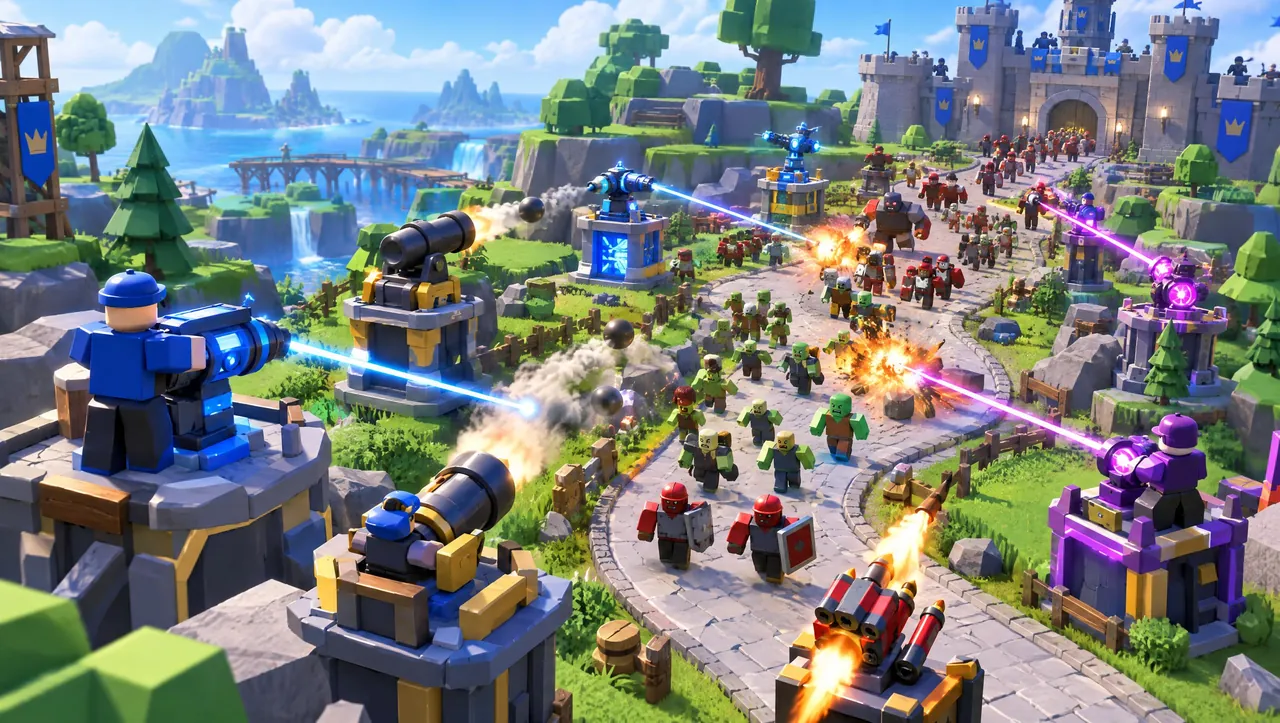
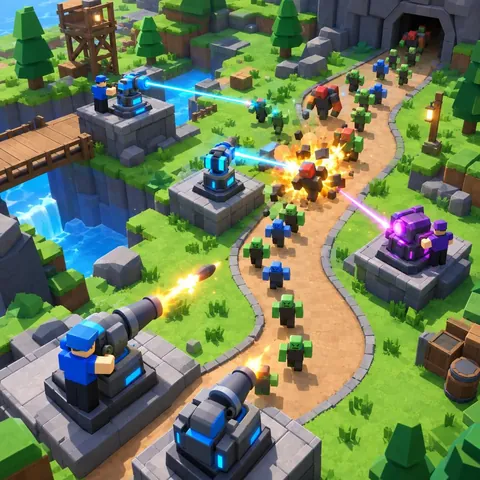
“Make a tower defense map with a path, waves of enemies and two tower types.”

“Make a kart race track with boost pads, lap counting and a finish line.”
Every mechanic is a card in the plugin. Drop one in, change a few words, and the AI builds it into your game.
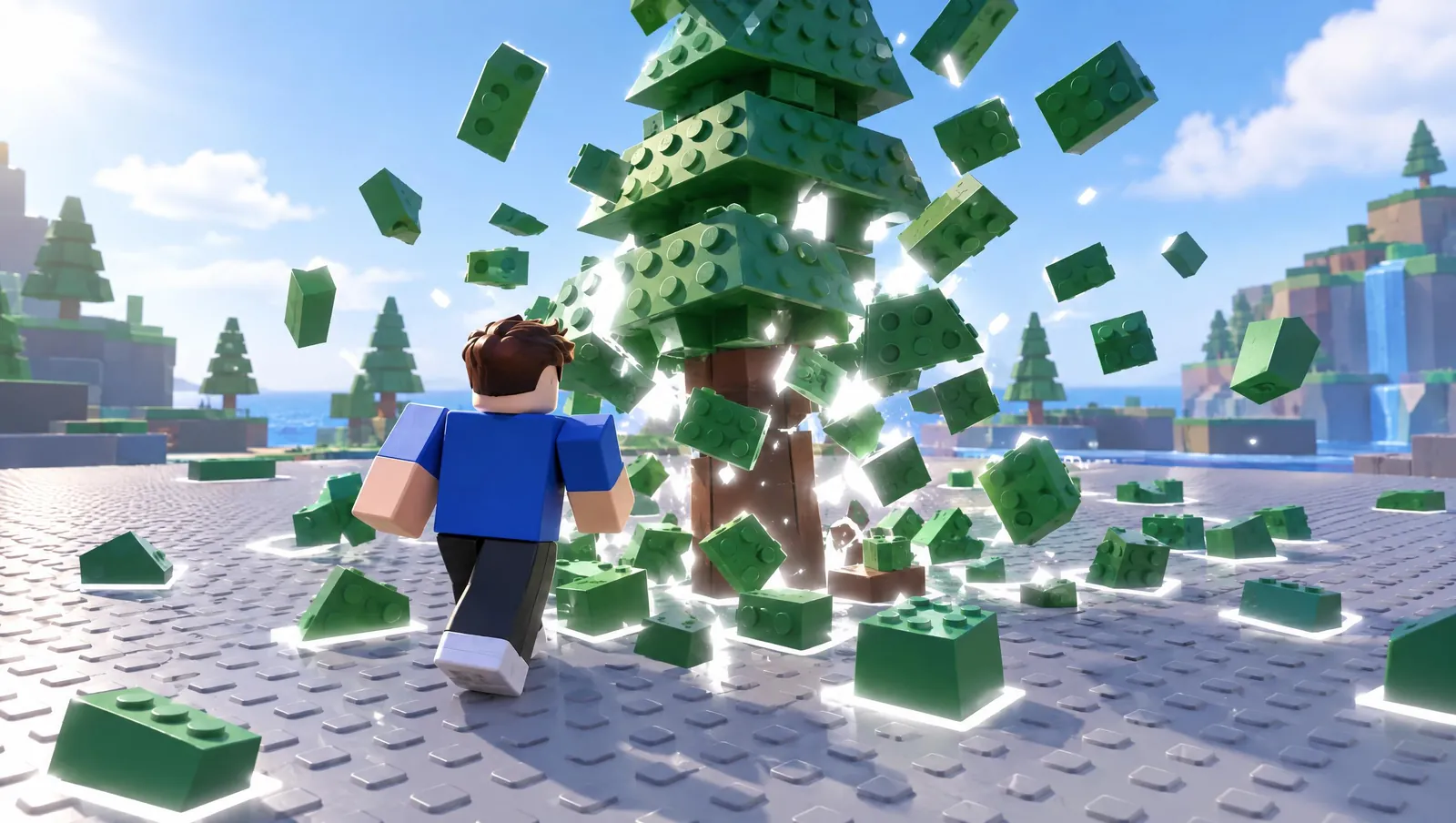
Trees burst into loose parts when a player walks close.
Dropped parts glow, then fly to the player and count up.
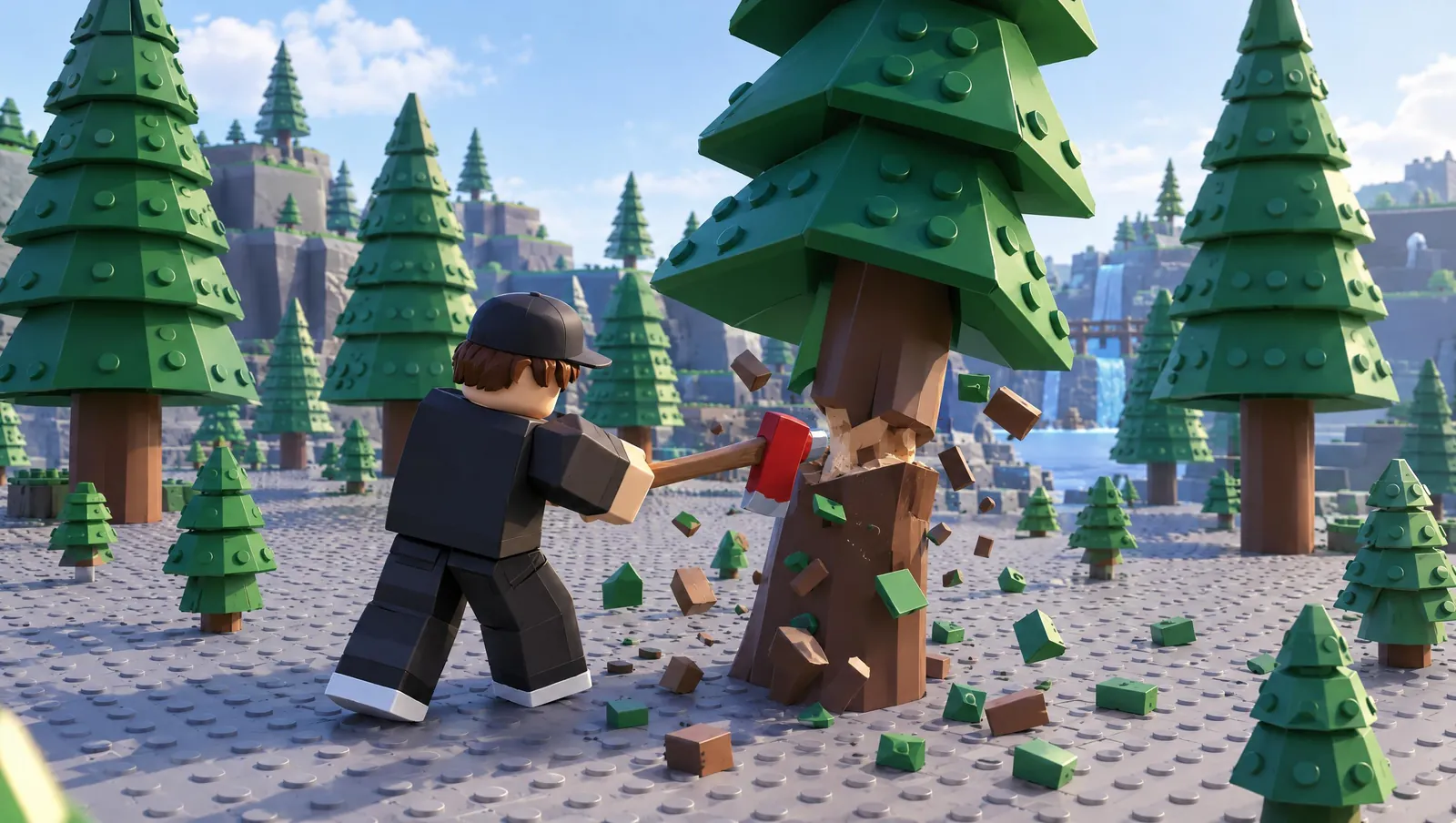
A tool that equips on a key press, with a chopping swing.
Trees of random sizes grow in around the player and respawn.
Touch a pad to save progress; respawn on the last one.
Neon parts that reset the player, with optional spinning bars.
Spinning coins that add to a leaderstat and respawn.
A dropper, conveyor and collector that pays cash over time.
A small pet that floats behind the player and bobs.
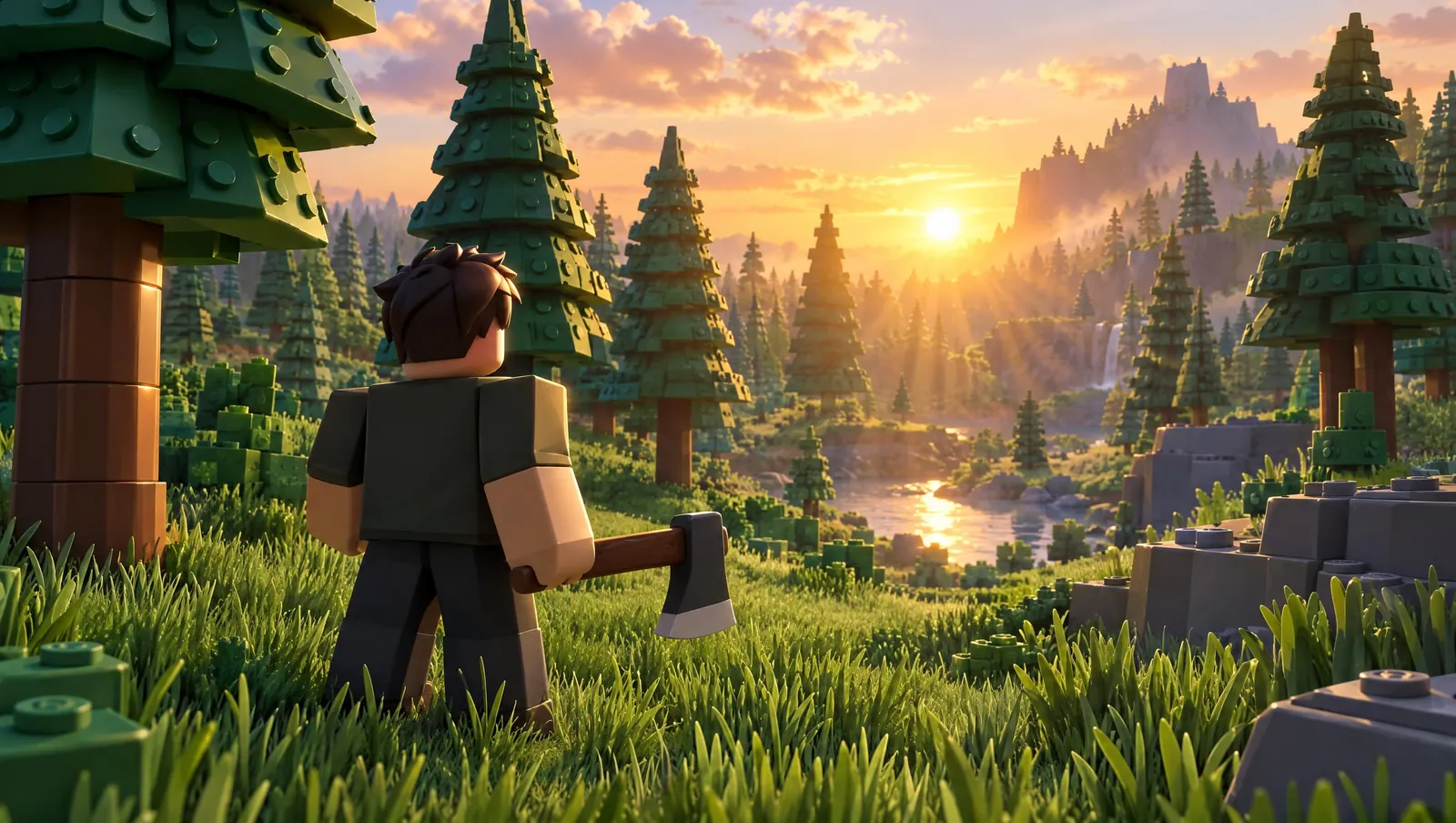
A smooth lighting cycle with warm sunsets.
Grass baseplate, atmosphere, sun rays and soft shadows.
A title screen with Play, Controls and Credits that fits your game.
Mention a part or model with @, or just select it. The AI looks at what is already there before it changes anything.
Server scripts, local scripts and modules go where Roblox expects them. Open any of them and keep editing by hand.
Trees, droppers, checkpoints, tools, lighting and menus are real instances in Explorer, not screenshots.
Each prompt is one step in Studio’s history. Press Ctrl+Z once and the whole change is gone.
Type a change during a playtest. It is applied as soon as you stop, so the next Play has it.
The plugin only touches your game’s own services, and asks before deleting more than a few objects.
Download the free plugin file and drop it into your Studio plugins folder.
The plugin shows an 8 character code. Confirm it on this site once.
Type a mechanic or drag a card, watch it appear, and test it right away.
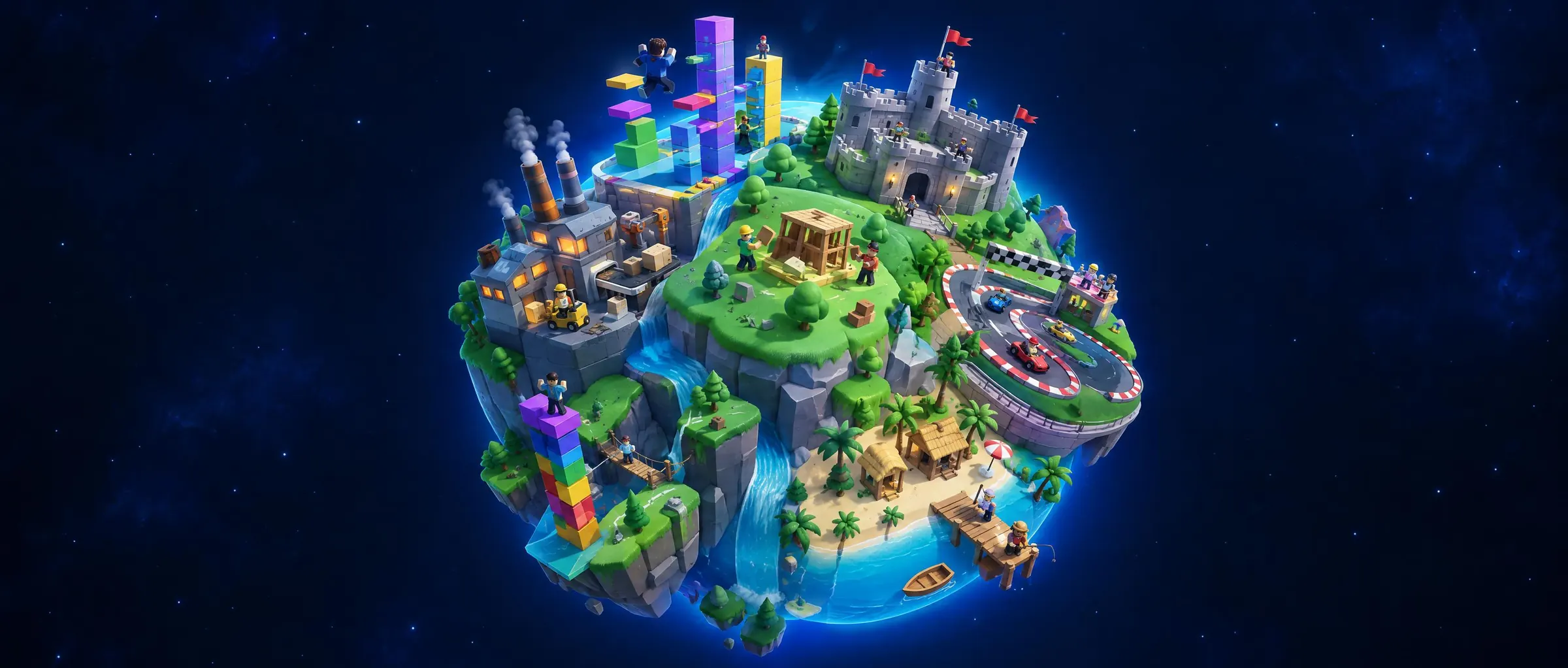
What the AI builds is an ordinary Roblox place. Publish it from Studio and it runs on phones, consoles, computers and VR.
No lock-in and no runtime. Scripts and parts stay in your place file, even if you stop using the plugin.
A Roblox Studio plugin with an AI that builds what you describe. You type a mechanic, like "make the tree fall apart when I walk close", and it adds the parts, scripts, effects and UI to your open place.
No. You describe what should happen in your own words. The scripts it writes are normal Luau, so you can read and edit them later if you want to learn.
Yes. Write in English, Spanish, Portuguese, Chinese or any other language and the AI answers in the same language.
Yes. The AI reads your Explorer before it changes anything, and you can point it at a specific part or model with @ or by selecting it.
Every prompt is one entry in Studio's undo history. Press Ctrl+Z once to remove the whole change.
The plugin is free. New accounts get 2 credits and a free model you can use every day, no card needed. Pro is $19.99 a month with 40 credits, a bonus credit every day, faster builds and Pro models. Credit packs never expire.
Obbies, tycoons, simulators, survival and chopping games, horror maps, tower defense and racing all start the same way: describe one mechanic, test it, then add the next. Checkpoints, kill bricks, coins, droppers, pets, tools, lighting and menus each have a ready card you can drag into the prompt.
Yes. After a change it starts a playtest in Studio, reads the output for errors and fixes them before it reports back. Big builds have a step limit; if one stops early, press Continue in the plugin to keep going.
You pick the model in the plugin. There is a free model for small changes, a recommended model that handles most mechanics for a few hundredths of a credit, and stronger models for whole systems. Prices for each are on the pricing page.
Most mechanics finish in under a minute, including the playtest. Bigger builds that write several scripts take longer, and the free model is slower than the paid ones. You can keep working in Studio while it runs.
You do. The parts and scripts are created in your own place, and you can use them in your Roblox games like anything else you built in Studio.
No. Roblox AI Game Maker is an independent tool and is not affiliated with or endorsed by Roblox Corporation. It works through the standard Studio plugin system.
Install the free plugin and turn your first idea into something you can play tonight.
Get the free plugin